
To use First Frame and Last Frame on Seedance.com.ai, add a starting image to First Frame, add the target ending image to Last Frame, and describe the motion between them in your prompt.
This Seedance first frame last frame tutorial covers the setup, prompt structure, smoother transitions, and common problems that can affect the final result.
What Are First Frame and Last Frame in Seedance?
First Frame is the reference image that defines the beginning of the video. It establishes the initial subject, environment, and composition.
Last Frame provides the target visual state for the end of the video.
Together, they create two visual endpoints:
First Frame → Motion and Transition → Last Frame
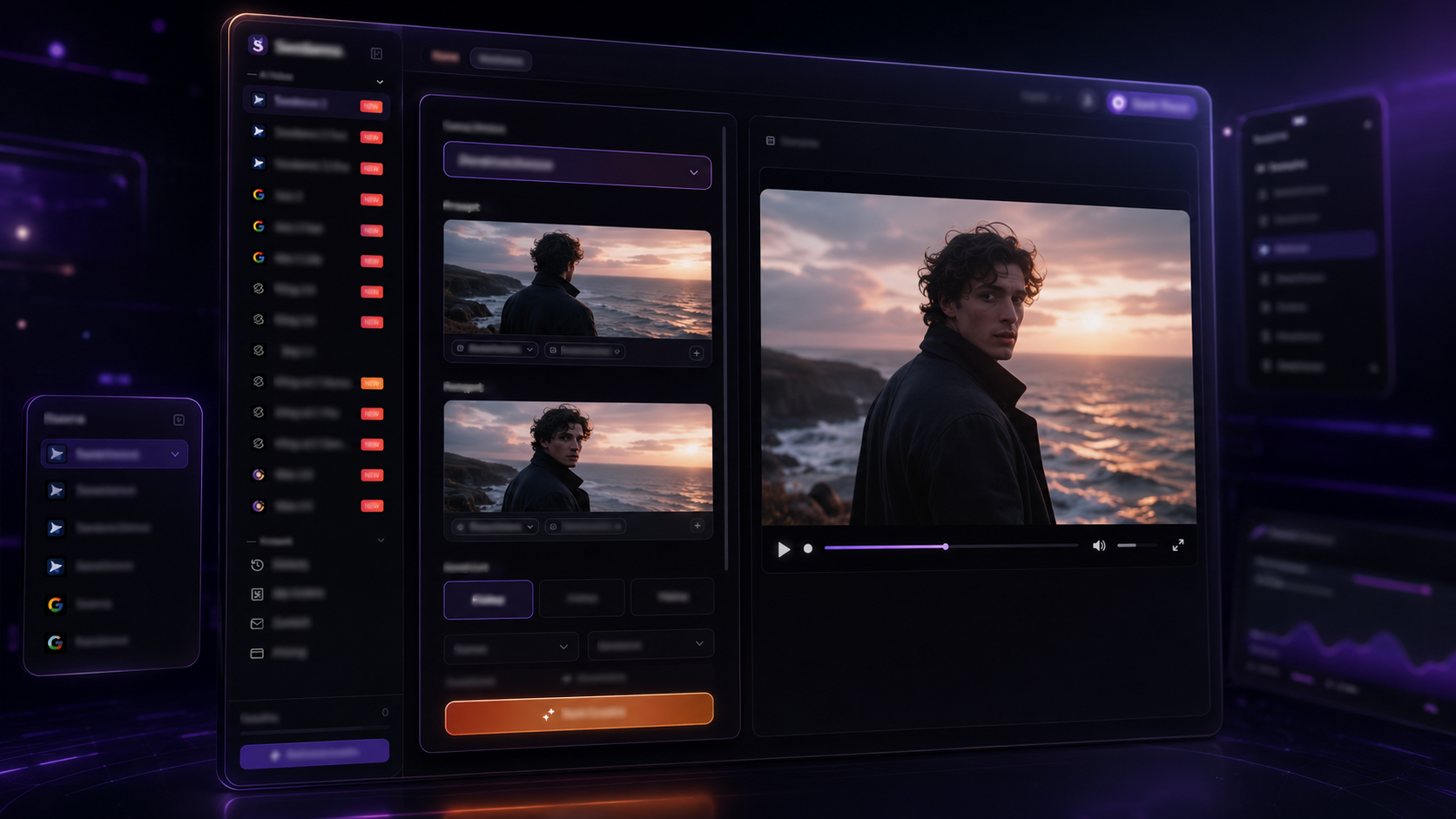
The two images should show a logical visual change that can be clearly described in the prompt.
If you are starting with a single reference image instead, see our Seedance image-to-video tutorial.
How to Use Seedance First Frame and Last Frame
Step 1: Open the AI Video Workspace
Open the AI Video workspace on Seedance.com.ai and locate the First Frame and Last Frame input areas.
If you are new to the workspace, our Seedance AI tutorial covers the basic video generation process.
Step 2: Add Your First Frame
Upload the image that should define the beginning of the video.
The First Frame should clearly show the main subject and environment. For a person, keep the face, clothing, pose, and surroundings easy to recognize. For a product, make sure its shape and proportions are clear.
Step 3: Add Your Last Frame
Upload the image that represents the target ending composition.
The First Frame and Last Frame should have a clear visual relationship.
For example:
The First Frame shows a person standing near the ocean and facing the water.
The Last Frame shows the same person in the same environment, turned slightly toward the camera.
If the Last Frame changes the subject, clothing, environment, lighting, pose, and camera angle at the same time, the transition becomes much more complex.
Step 4: Write the Motion Prompt
The frames define the starting and ending states. The prompt should describe what happens between them.
A simple structure is:
Subject Action + Camera Movement + Environmental Motion + Ending Behavior
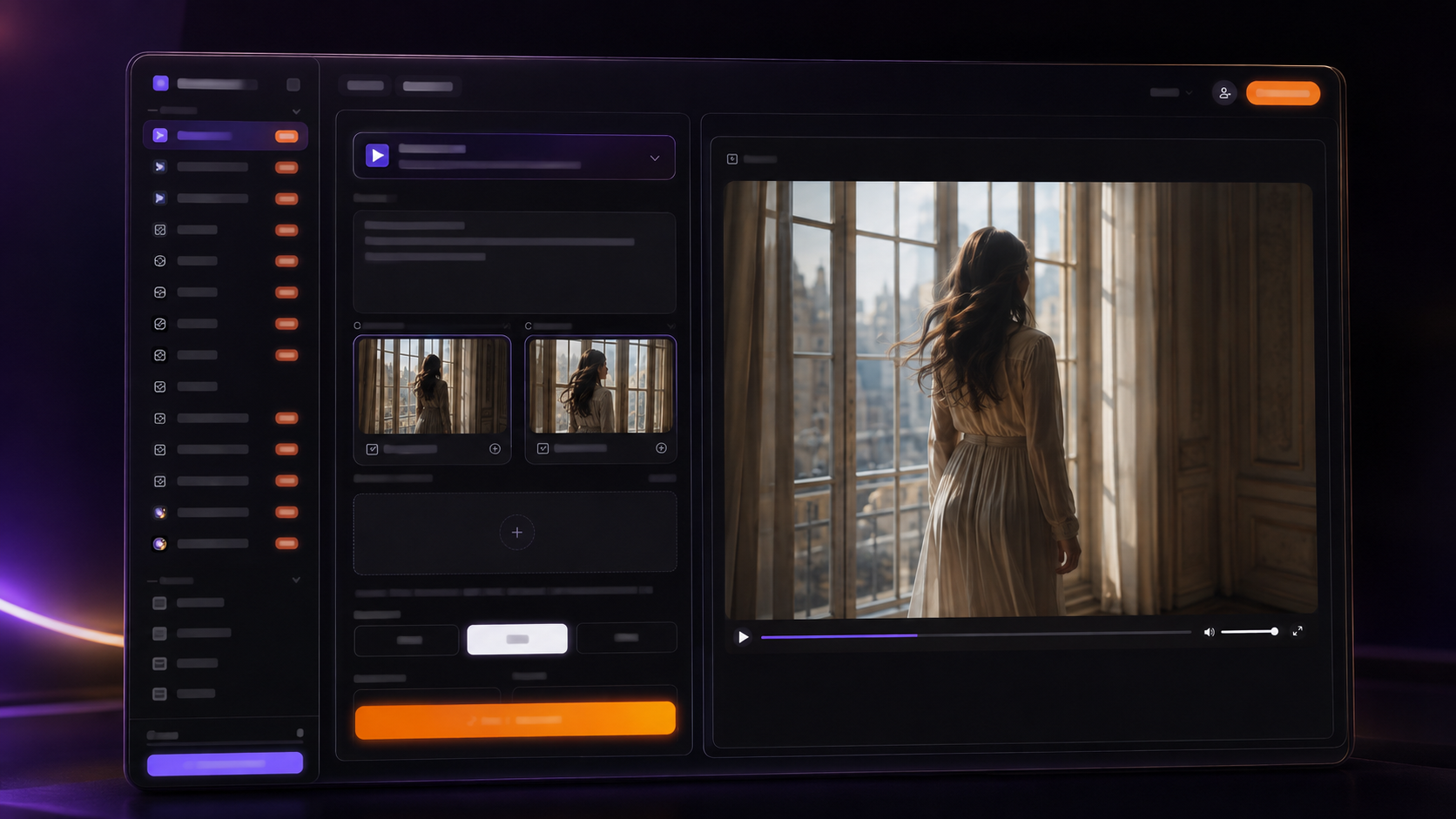
For example, you might describe the subject slowly turning toward the camera while the camera pulls back and the surrounding movement remains subtle.
When Should You Use First Frame and Last Frame?
First Frame and Last Frame are most useful when both the opening and ending composition matter.
Character Movement
The First Frame might show a person in one position, while the Last Frame shows the same person after turning, walking, sitting, or changing pose.
Product Demonstrations
The First Frame can show a product in its starting position, while the Last Frame shows the same product from another angle or in a different state.
Scene Changes
You can also use the two frames for gradual changes in the same environment, such as a shift in lighting or camera composition.
Smaller, logical changes are easier to connect than several major changes happening at once.
How to Write a Seedance First Frame Last Frame Prompt
A strong Seedance first frame last frame prompt should focus on movement rather than repeating details already visible in the uploaded images.
If you want to improve your overall prompt structure, our guide on how to write better AI video prompts covers subjects, actions, camera movement, and visual details in more depth.
Your prompt should answer a few practical questions:
What does the subject do?
How does the camera move?
What natural motion happens in the environment?
How should the movement settle near the Last Frame?
For example, if the First Frame shows a person facing the ocean and the Last Frame shows the same person turned toward the camera:
The person slowly turns away from the ocean and looks toward the camera. Hair and clothing move naturally in the sea breeze while the waves continue gently in the background. The camera makes a subtle cinematic pull-back and the movement gradually slows as the scene approaches the final composition.
This gives more useful motion guidance than:
Turn the first image into the last image.
How to Get Smoother First-to-Last-Frame Transitions
Keep the Main Subject Consistent
If the same person or product appears in both frames, keep the appearance visually consistent.
For characters, similar hairstyles, clothing, body proportions, and recognizable features can reduce unnecessary visual changes.
Avoid Changing Too Many Elements at Once
Large simultaneous changes in pose, clothing, environment, lighting, and camera angle make the transition more difficult.
Focus on one or two main changes instead of trying to transform everything in one short clip.
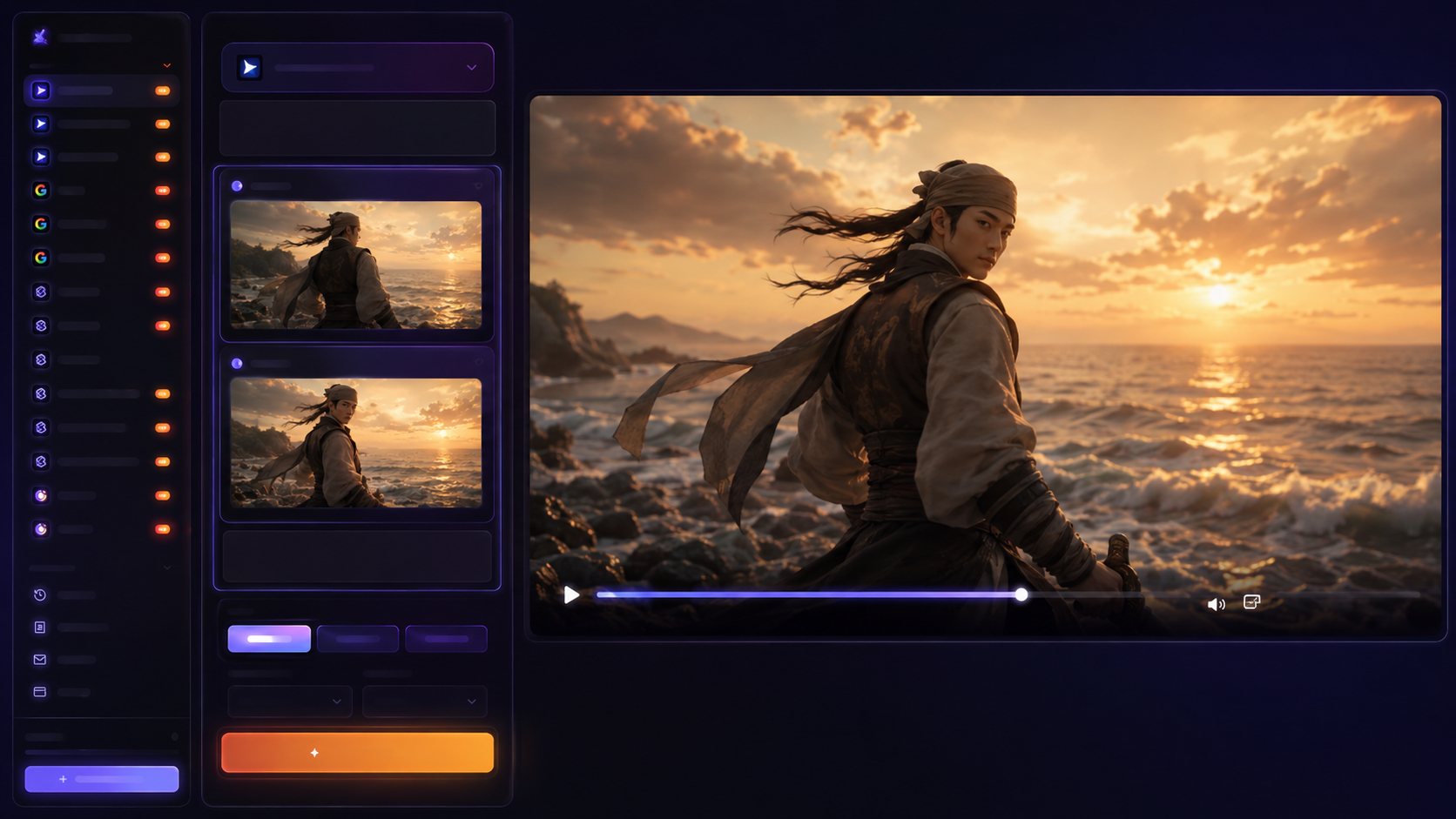
Describe Motion Instead of Repeating the Images
The two frames already provide the main visual information. Focus the prompt on action and camera language such as:
walk, turn, look, raise, move, open, approach, pull back, push in
Let the Ending Motion Settle
If new actions continue until the end of the clip, the scene may still feel active when it reaches the target composition.
Let the main action finish slightly earlier and reduce the motion as the video approaches the Last Frame.
Common First Frame and Last Frame Problems
Why Doesn't the Video Reach the Last Frame Accurately?
This can happen when the two frames are too different or when the prompt does not clearly describe the movement between them.
Reduce major changes in pose, environment, lighting, or camera angle, and describe the most important motion more clearly.
Why Does the Transition Look Unnatural?
Large differences in subject pose, camera angle, environment, lighting, or composition can require too many visual changes within a short period.
Reducing those differences is often more useful than simply making the prompt longer.
Why Does the Character Change During the Video?
If the character looks significantly different between the First Frame and Last Frame, the transition may also introduce changes in appearance.
When consistency matters, keep the hairstyle, clothing, body proportions, and other recognizable features similar between the two images.
First Frame and Last Frame vs. a Single Starting Image
A single starting image mainly defines how the video begins. First Frame and Last Frame provide both a starting point and a target ending composition.
First Frame → Generated Transition → Last Frame
Using both frames is more useful when the final composition matters as much as the starting image.
Frequently Asked Questions
How Similar Should the First Frame and Last Frame Be?
They do not need to be identical, but they should have a clear visual relationship. Keeping the same subject, similar visual identity, and a logical change between the two images makes the transition easier to describe.
What Should I Write in a Seedance First Frame Last Frame Prompt?
Focus on what happens between the two images. Describe the subject action, camera movement, environmental motion, and how the action should settle toward the Last Frame.
When Should I Use a Last Frame?
Use a Last Frame when the ending composition is important and you want to provide a clear visual target for how the video should end.
Conclusion
This Seedance first frame last frame tutorial comes down to three things: use a clear starting image, choose a logical ending image, and describe the motion between them.
Keeping the visual change manageable and making the prompt focus on movement can help create a smoother path from the First Frame to the Last Frame.



